

Find answers with Falconer
Use Falconer to instantly find answers across your codebase, docs, and tasks.
Where to ask questions
Section titled “Where to ask questions”From the homepage
Section titled “From the homepage”Go to the Falconer homepage and use the search bar to ask questions about your knowledge base.
Falconer searches connected sources such as GitHub repositories, Linear tasks, Notion pages, and Google Drive to deliver the best answer. Slack public-channel messages are searched on demand across your connected workspace. Connect your personal Slack account in personal settings to search from the web app.
From the editor
Section titled “From the editor”While working in a document, open the right sidebar and chat with the Falcon agent.
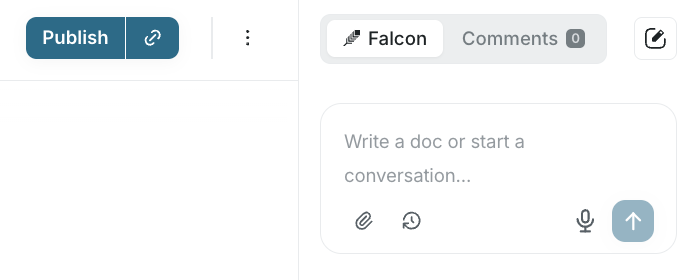
Every answer cites sources from your organization, so your team knows the information is current.
From Slack
Section titled “From Slack”Ask Falcon questions directly in Slack.
If Knowledge Health is enabled for your organization, Falcon in Slack can also search and summarize Knowledge Health findings, such as contradictions, coverage gaps, redundancies, and stale docs.
What to ask
Section titled “What to ask”Falcon searches the sources relevant to your question and gives a single answer. Here are some examples:
Parts of your codebase:
How does authentication work end-to-end?The status of tasks and projects:
What's the current status of the billing refactor?Decisions and context:
Why did we switch from Redis to Postgres for session storage?Processes and policies:
What's the deployment process for staging?Knowledge Health findings, when the feature is enabled for your organization:
What did the last Knowledge Health audit find?Next steps
Section titled “Next steps”After receiving an answer, you can use Falconer to write a document.