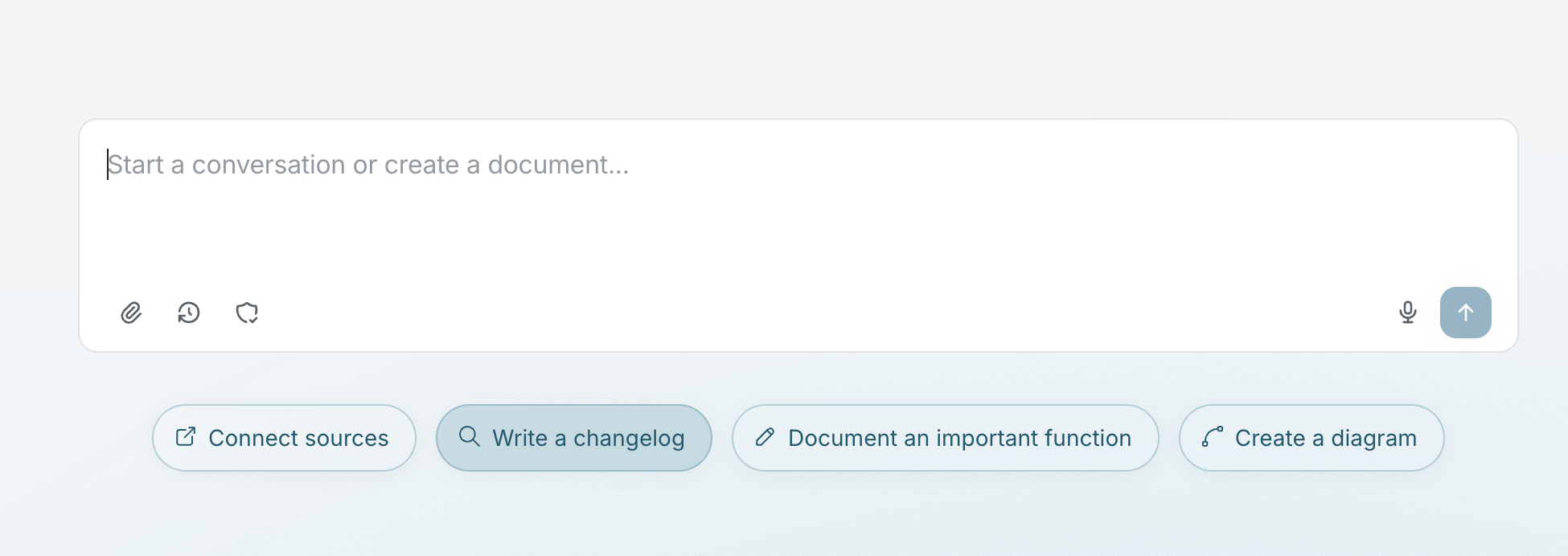
Write a changelog
Generate a changelog using context from your connected sources.
Prerequisites
Section titled “Prerequisites”Recommended sources for a high-quality changelog:
- Connection to GitHub to find recent pull requests
- Connection to Linear to find recent tasks
Draft the changelog
Section titled “Draft the changelog”Falconer searches your connected Linear issues and pull requests to generate a changelog.
Steps:
- Click the + icon in the left sidebar to create a new doc.
- In the agent chat, be specific about the time range, team, or project you want to cover. Example prompts:
Write a changelog for the last two weeksSummarize what the engineering team shipped this sprintCreate a changelog for the payments project dating back to January 1Write release notes for everything completed last month, grouped by themeCollaborate on the changelog
Section titled “Collaborate on the changelog”Alternatively, you can collaborate with Falconer from the homepage with a more guided approach. Falconer will prompt you with questions before writing the changelog.