Quickstart
Connect your first source to Falconer and ask questions or write a doc about your codebase.
In this quickstart, you will:
- Connect GitHub to Falconer
- Ingest your code
- Ask your first question
- Create your first document
Step 1: Connect GitHub
Section titled “Step 1: Connect GitHub”Connect your GitHub repo to index your code.
- Navigate to Integrations from the bottom left menu.
- Next to GitHub, click Connect.
- Authorize Falconer to access your repositories (you can also add a public repo).
- Select which repositories you want to connect.
Falconer ingests your code as context within minutes, so you can immediately start asking questions and writing docs.
Step 2: Ask your first question
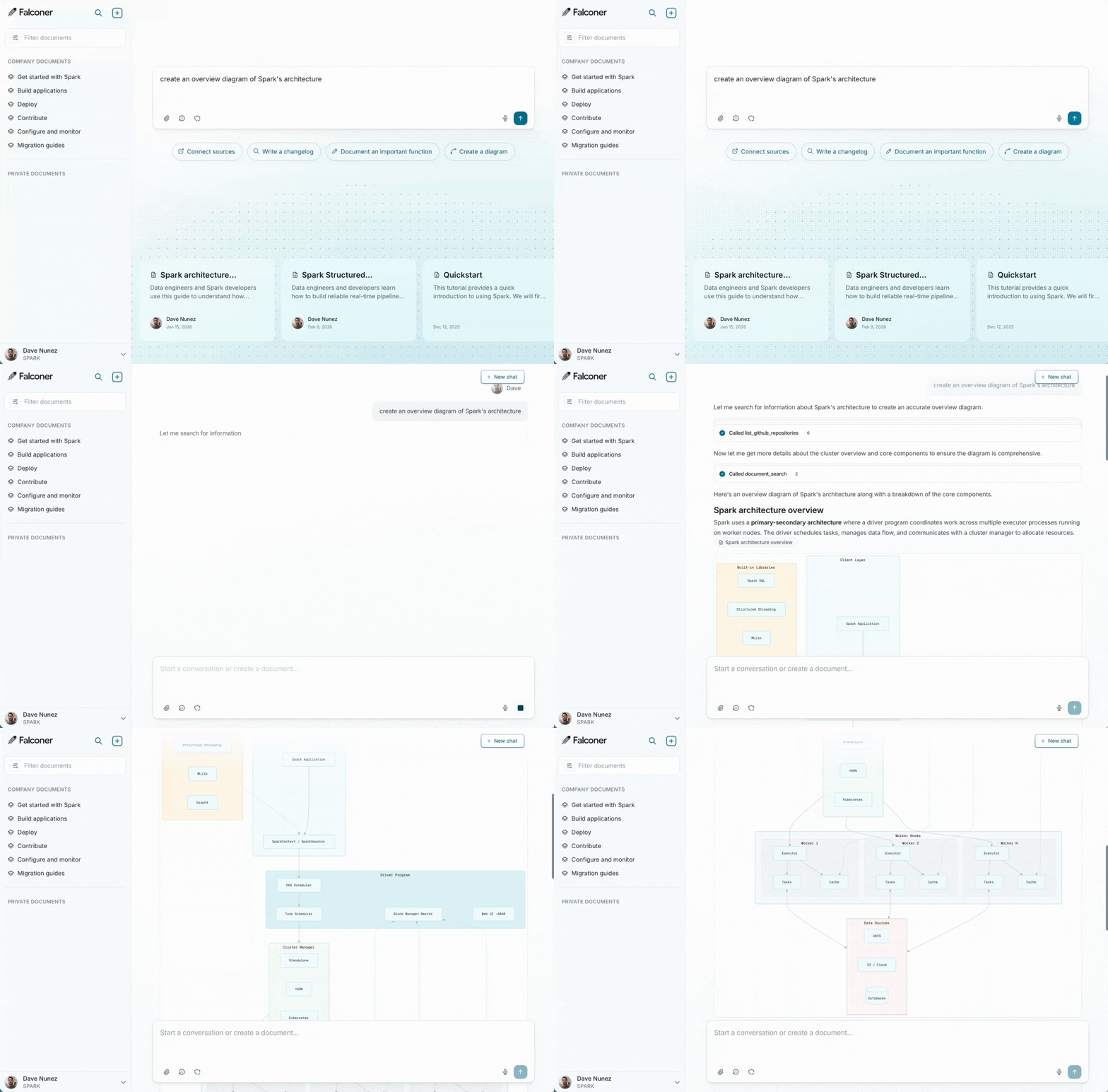
Section titled “Step 2: Ask your first question”Ask questions about your codebase from the home page. Falconer uses your code and other connected sources to deliver high-quality answers with citations.
Step 3: Write a doc for the answer
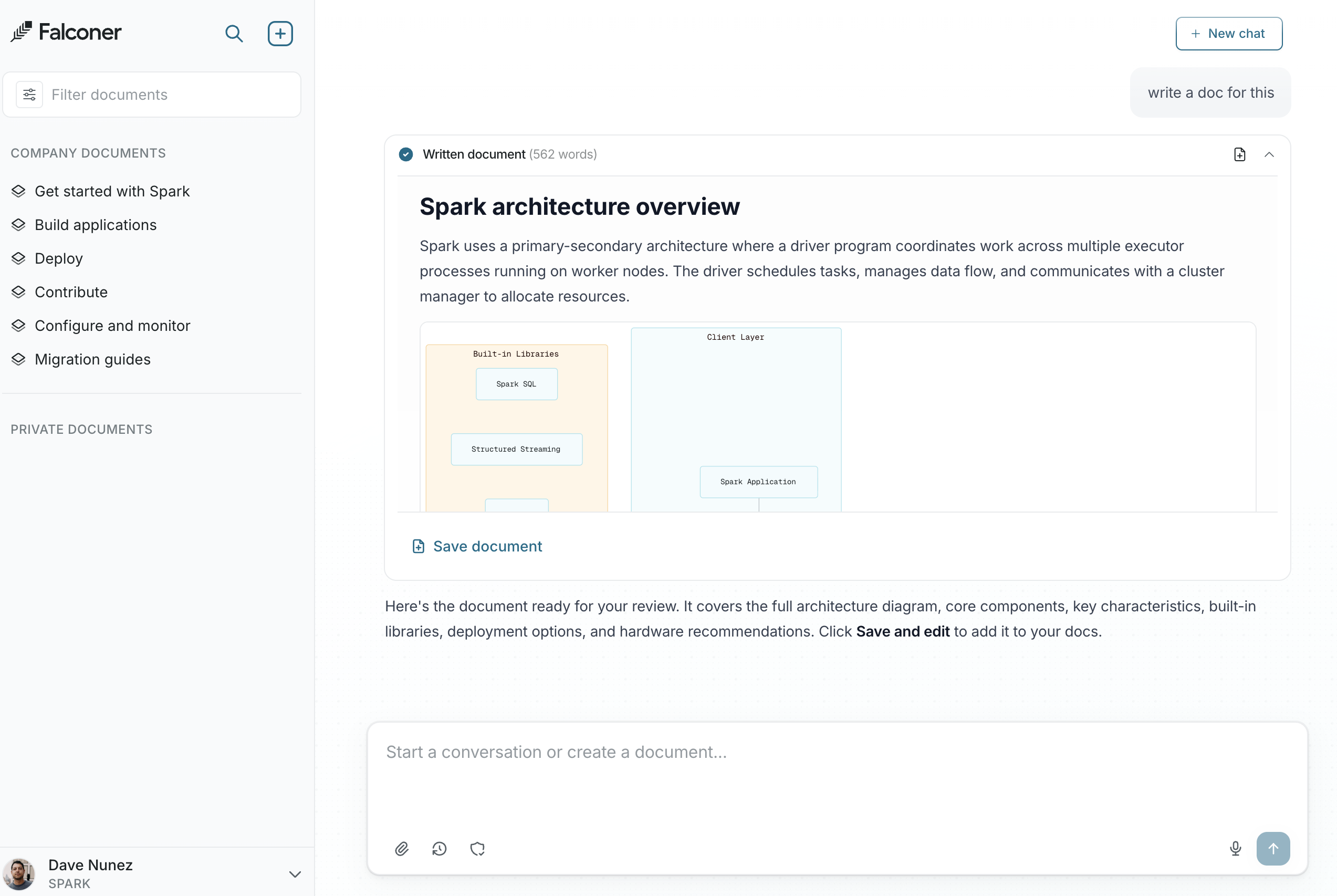
Section titled “Step 3: Write a doc for the answer”In the prompt box, say “Write a doc for this.” Falconer will take the context and convert it into a document.
Next steps
Section titled “Next steps”- Connect more sources — Add Slack, Linear, Notion, and more to give Falconer broader context across your stack.
- Write a doc from Slack — Turn any Slack thread into a structured Falconer document in one step.
- Update docs from Slack — Keep docs current by asking Falcon to apply updates directly from a conversation.
- Capture decisions in Slack — Use
@Falcon rememberto save important decisions and context the moment they happen.