Internal knowledge base: complete guide and best practices for April 2026
Your internal knowledge base has everything your team needs to know, buried somewhere in thousands of documents that nobody can find. Engineers ask in Slack instead of searching. New hires get conflicting answers depending on who or what they ask. You have the information somewhere, but it’s organized by department structure instead of the questions people actually need answered. The gap between having documentation and having useful documentation is where productivity evaporates.
TLDR:
- An internal knowledge base stores company information for employees only, unlike external bases that serve customers.
- Employees waste 1.8 hours daily searching for information, costing a 50-person team roughly $1.1M annually.
- Documentation becomes outdated the moment code changes, creating maintenance problems most teams can’t solve manually.
- AI-powered systems can auto-update docs when code changes, cutting documentation time from hours to minutes.
- Falconer builds self-updating knowledge bases that sync with your codebase, Slack, and tools to keep context current.
What is an internal knowledge base?
An internal knowledge base is a centralized repository where your organization stores information exclusively for employees. This is the documented memory of your company: how systems and products work, why decisions were made, where code lives, and what processes teams follow.
The distinction from an external knowledge base lies in audience and purpose. External bases serve customers with product documentation and FAQs. Internal bases serve your team with proprietary information: technical architecture decisions, onboarding guides, incident response playbooks, API documentation, and product reasoning.
Content varies by team. Engineers need codebase context and deployment procedures. Product teams need specs and roadmap rationale. Operations needs runbooks. Sales needs competitive analysis.
The business case for internal knowledge bases
The numbers are clear: employees spend 1.8 hours daily hunting for information. For a 50-person engineering team averaging $150,000 salaries, search time alone costs roughly $1.1 million per year.
Internal knowledge bases recover this capacity by making information findable without human intervention. Cut daily search time by 30 minutes and you’ve reclaimed substantial hours without expanding headcount. Engineers maintain flow state longer, new hires onboard faster, and questions can be answered regardless of time-zones.
Core components of an internal knowledge base
Every internal knowledge base stores different content, but certain categories prove universally valuable. The goal is to capture what teams repeatedly need and structuring it so retrieval takes seconds.
SOPs document repeatable processes: how to deploy code, run security audits, handle customer escalations, or process refunds. They turn tribal knowledge into written steps anyone can follow.
Technical documentation covers system architecture, API references, database schemas, and integration guides. Engineers need to understand how services connect, what dependencies exist, and where to find relevant code.
New hires need role-specific paths: development environment setup, access provisioning, key concepts, and team norms. Structure onboarding as progressive disclosure so day one covers essentials while month one builds depth.
Self-service guides for common issues reduce support tickets. Cover VPN setup, password resets, software installations, and debugging steps for recurring problems.
How to build an internal knowledge base that people actually use
Building a knowledge base is easy. Getting people to maintain it is hard. The difference lies in treating documentation as a product instead of a dumping ground.
Start by defining success metrics before writing anything. Pick three: search usage, percentage of questions answered without human escalation, time to find information, or new hire ramp time. Without numbers, you’re guessing whether adoption is working.
Structure content around questions instead of departments. Most teams organize by org chart. Users search by need: “How do I deploy?” or “How do I create a new service?” Build your hierarchy around the questions people actually ask instead of just your reporting structure.
Best internal knowledge base software options
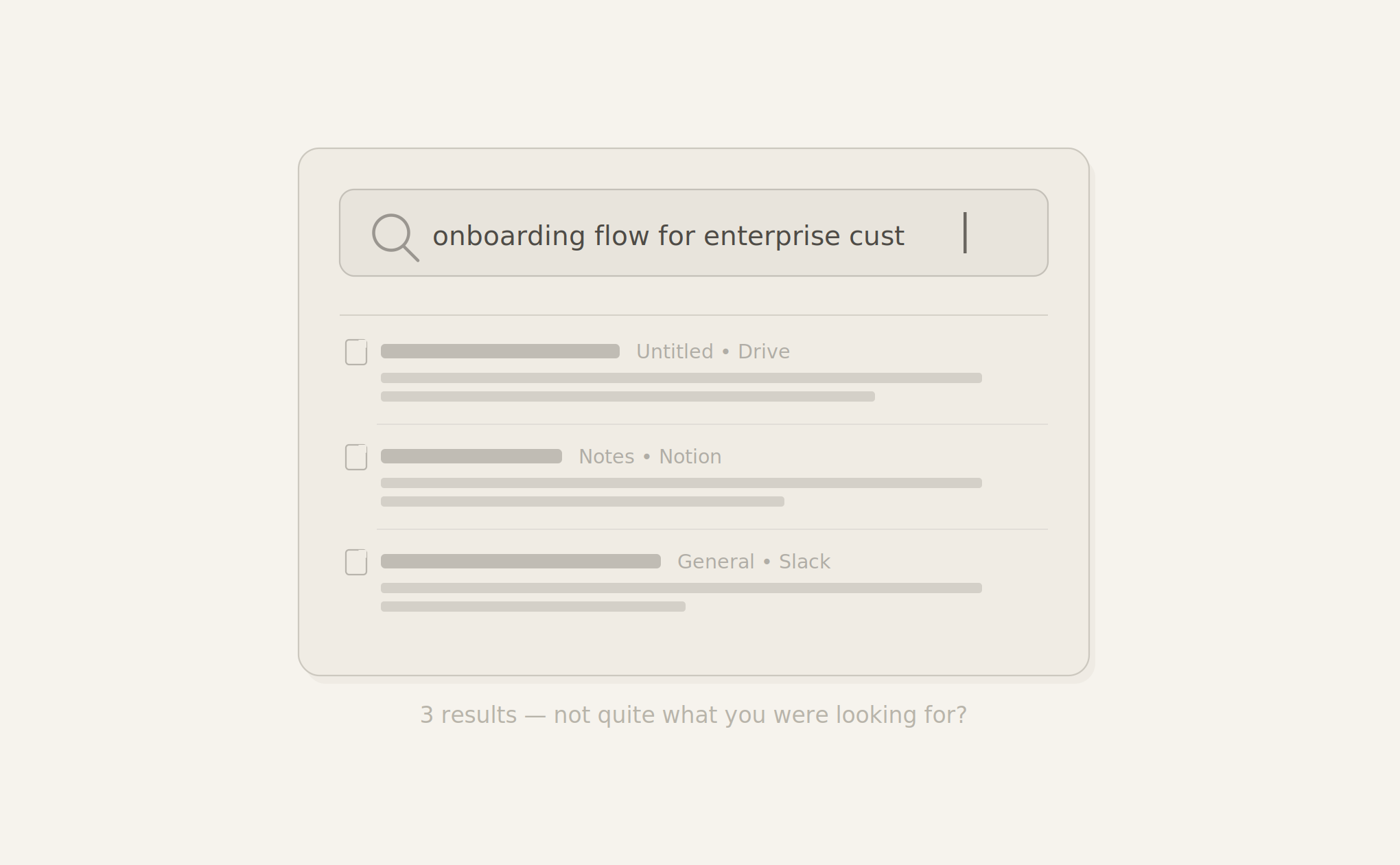
Start with search quality. Does the system deliver direct answers or just return document lists? Test with real queries your team asks daily.
Integration depth determines whether your knowledge base becomes a source of truth or another silo. Look for bidirectional connections to GitHub, Slack, Linear, Jira, and docs tools.
Access controls need granularity without complexity. Repo-level permissions beat all-or-nothing access. SSO support matters for teams over 20 people.
Maintenance separates tools that scale from those that rot. Does the system flag stale docs automatically? Update docs when code changes? Manual quarterly reviews create time sinks.
| Solution type | Search capability | Maintenance approach | Integration depth | Best for |
|---|---|---|---|---|
| Traditional wiki systems | Keyword-based search returns document lists requiring manual filtering | Manual updates required for every change, quarterly reviews to catch stale content | Basic integrations through webhooks, requires custom development for bidirectional sync | Teams with stable documentation needs and dedicated technical writers |
| Document management platforms | Full-text search with some filtering, organized by folders and tags | Version control and approval workflows, but content updates remain manual | SSO and access controls, limited connection to development tools | Organizations focused on compliance and access governance over technical depth |
| AI-powered knowledge bases | Natural language understanding answers questions directly by synthesizing multiple sources | Flags outdated content automatically, suggests updates based on connected system changes | Deep bidirectional connections to GitHub, Slack, Jira, and development environments | Engineering teams shipping frequently who need documentation that keeps pace with code changes |
| Falconer | Contextual search that understands technical queries and returns synthesized answers from code, docs, and conversations | Self-updating system monitors repositories and regenerates documentation automatically when code changes | Native integration with GitHub, Slack, Linear, and IDEs with repo-level permission mapping | Fast-moving engineering teams where documentation maintenance burden exceeds capacity for manual updates |
The documentation maintenance problem
Documentation dies the moment you publish it. A code refactor changes how authentication works, but the docs still reference the old flow. An API endpoint gets deprecated, yet the integration guide treats it as current. Engineers ship changes faster than anyone can update the wiki.
This is a velocity problem more than a discipline one. Technical systems evolve continuously. Pull requests merge daily. Services get rewritten. Every change creates documentation debt that compounds until teams need to find and fix outdated docs before the knowledge base becomes a graveyard of information nobody trusts.
AI and automation in internal knowledge bases
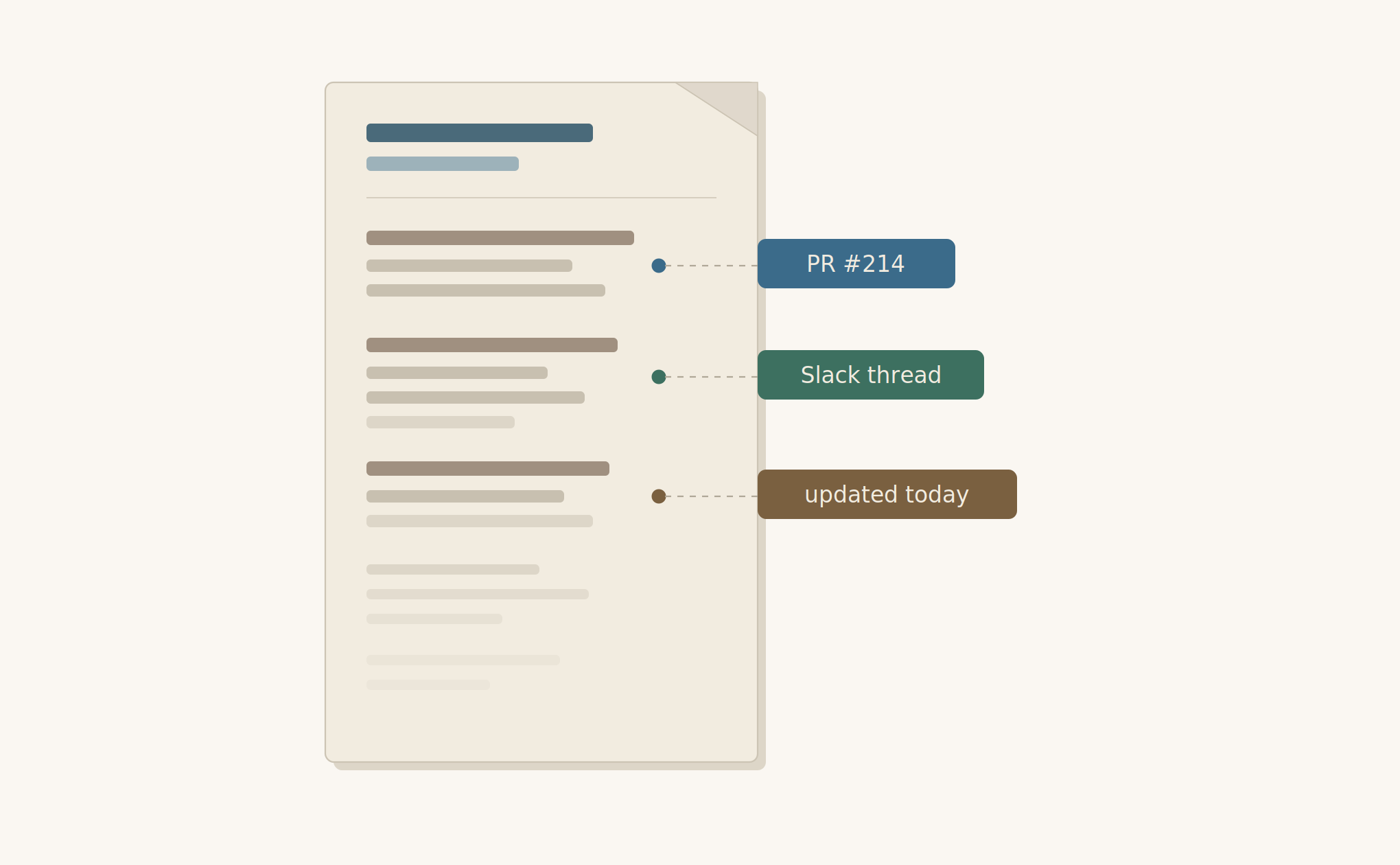
AI automates the maintenance cycle that breaks most knowledge bases. When pull requests change authentication logic, AI detects the impact and updates documentation without manual coordination. Intelligent search answers “How does our rate limiting work?” with synthesized responses from actual code, not link lists. AI implementation is a priority for 41% of knowledge management teams in 2025. Generate docs automatically from code and Slack decisions while engineers review, cutting documentation time from hours to minutes.
Measuring internal knowledge base success
Track usage first: daily active users, searches per employee, and document views. If nobody opens your knowledge base, nothing else matters. Aim for 80% weekly active users within three months of launch.
Search success rate measures whether people find answers. Track query reformulation: if someone searches three times in two minutes, the first result failed. Target 70% first-query success.
Time-to-resolution drops when knowledge bases work. Measure how long questions take to answer in Slack before and after implementation. Strong systems cut this by 40-60%.
Onboarding velocity shows impact on new hires. Track time from start date to first production commit. Reducing four-week ramps to ten days pays for the system immediately.
Common implementation pitfalls and how to avoid them
Poor search kills adoption faster than missing content. If your system returns link lists instead of answers, people return to Slack. Automated sync systems keep content current as code changes.
Skipping integration turns your knowledge base into another tool to check. Connect it where work happens: your IDE, Slack, and issue tracker.
Self-updating knowledge bases for engineering teams
Engineering teams face a unique documentation challenge: code changes hourly, but docs update weekly if at all. The gap widens until documentation becomes fiction instead of reference.
Self-updating systems monitor repositories for changes and trigger documentation updates automatically. When a pull request modifies an API endpoint, the system identifies affected docs and regenerates content based on the new implementation. The engineer reviews and approves instead of writing from scratch.
These systems connect your knowledge base directly to version control, parsing code structure and tracking dependencies to map which documentation references which services. Teams can generate API reference docs from code automatically. For teams shipping daily, this removes the impossible choice between building features and maintaining docs.
Final thoughts on internal knowledge management
Most internal knowledge base tools fail because they require constant manual updates that nobody has time for. Your documentation needs to self-update when code changes, answer questions instead of listing links, and live inside your existing workflow. Try Falconer to see what happens when your knowledge base maintains itself. You’ll reclaim hours your team currently wastes searching Slack, and new hires will ramp faster than you thought possible.
FAQ
What’s the difference between internal and external knowledge bases?
Internal knowledge bases serve employees with proprietary information like technical architecture, onboarding guides, and incident playbooks, while external bases serve customers with product documentation and public-facing support content.
When should I invest in self-updating documentation instead of manual maintenance?
If your engineering team ships daily and documentation consistently lags code changes by more than a week, self-updating systems become necessary to prevent your knowledge base from becoming outdated and untrusted.
What metrics prove whether an internal knowledge base is working?
Track three numbers: percentage of employees searching weekly (target 80%), first-query success rate (target 70%), and reduction in time-to-resolution for common questions (strong systems cut this 40-60%).
How much does poor knowledge management actually cost?
Employees spend 1.8 hours daily searching for information, which translates to roughly $1.1 million per year in lost productivity for a 50-person engineering team at average salaries.